Version control
Intermediate
Version control software allows you to work on your project with multiple people at the same time and keep a history of changes that can be used for backups.
The most commonly used version control system is Git.
Note
Explaining how to use version control software is outside of the scope of this page.
Files to ignore
There are certain files that version control should ignore, as they are used for caching or storing local data:
- Project package bin and project Bin folders - these folders contain generated build files, including those used by Game Studio when playing.
- Project package obj folders - these folders contain cached data used by C# and Stride.
- *.user files - these files store save data for the local user (such as the camera position in Game Studio).
For Git
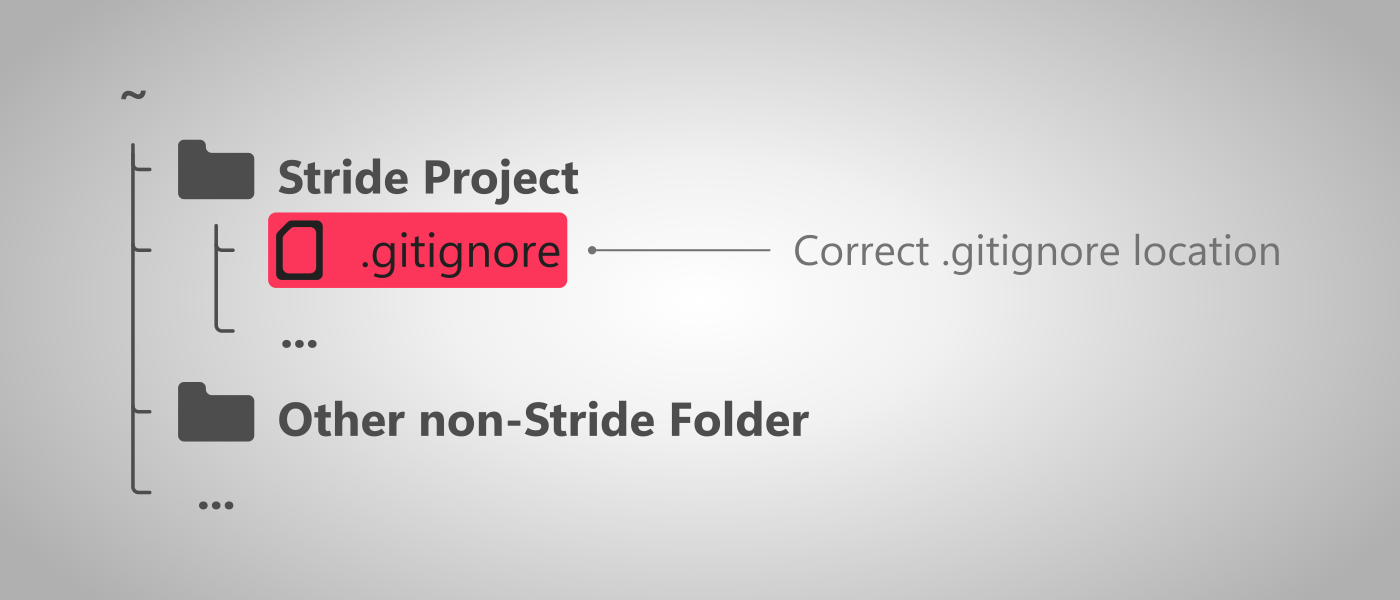
Stride generates a .gitignore file automatically when creating a new project.
*.user
*.lock
*.lock.json
.vs/
_ReSharper*
*.suo
*.VC.db
*.vshost.exe
*.manifest
*.sdf
[Bb]in/
obj/
Cache/
Warning
This file should be placed at the root of the Stride project, next to the .sln file. If your git repository isn't initialized at the root, the .gitignore file will still be detected.
Large files
Some version control systems have special mechanisms for handling large files that can improve performance of those systems in large projects. In Stride, these are most commonly the resource files. For more information, visit the project structure page.
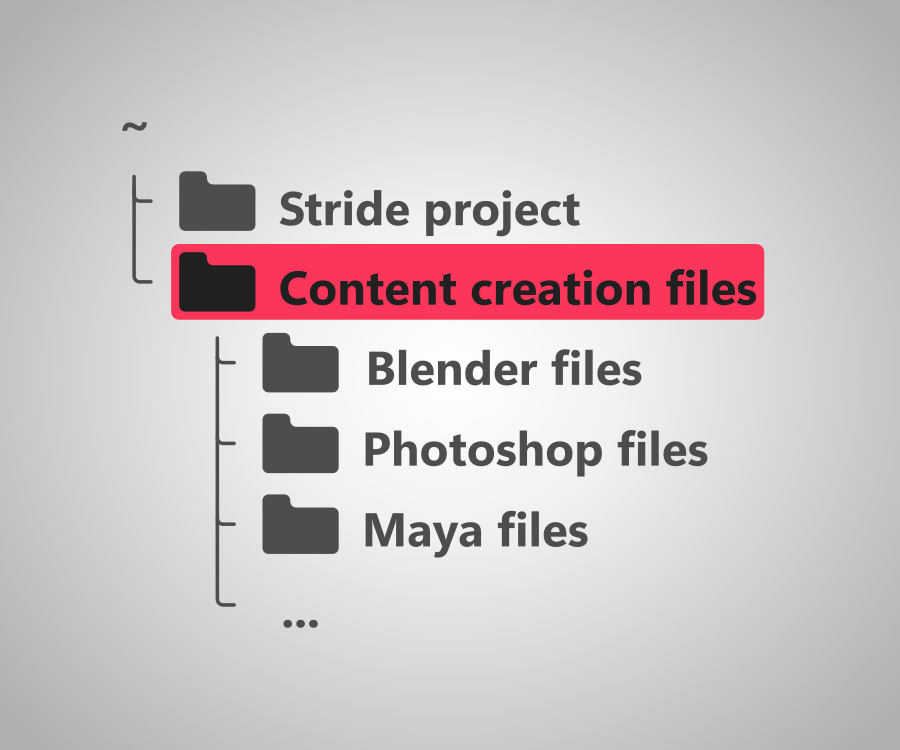
Content creation files
Files that are used for creating assets, but aren't used in the game (such .psd photoshop files) shouldn't be stored in the project files. If you want to keep them in version control, considering including them in a separate directory.